


Does Mi TV Service Center troubleshoot sudden changes in screen color temperature?
INTRODUCTION
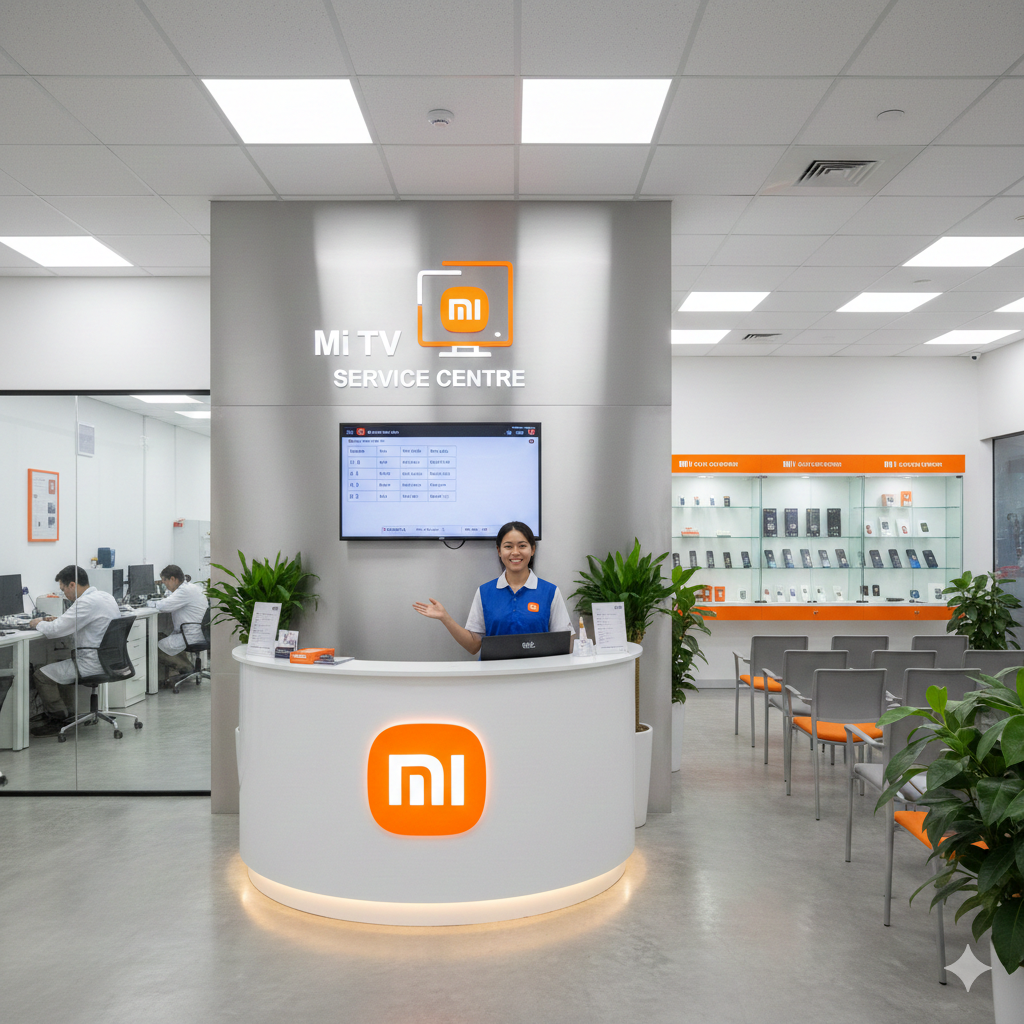
A Mi TV Service Center can troubleshoot sudden changes in screen color temperature by examining picture settings, display modes, software behavior, connected devices, and possible hardware-related issues. Color temperature affects whether a television image appears warmer with yellow or reddish tones or cooler with bluish tones. If the screen suddenly changes from one appearance to another without the viewer adjusting any setting, the cause may involve automatic picture functions, software changes, input signals, or display components. Identifying when the change happens is an important part of accurate troubleshooting.
Understanding Screen Color Temperature
Screen color temperature describes the overall warmth or coolness of an image. A warmer setting generally produces more yellow, red, or amber tones, while a cooler setting can make whites and other colors appear more blue. Television manufacturers provide different picture modes and temperature settings so viewers can adjust the image according to their preferences.
A sudden change can therefore be noticeable when white areas on the screen appear different from one moment to another. Skin tones may also look warmer or cooler, while backgrounds and other familiar colors can seem noticeably altered.
The first troubleshooting step is to determine whether the change is caused by a setting or whether it occurs without any user interaction. This distinction can help establish whether the issue is related to configuration, software, an external source, or the television's display system.
Common Causes of Sudden Color Temperature Changes
Several factors can cause unexpected changes in screen color temperature. Automatic picture adjustments are one possibility. Some television modes modify brightness, contrast, color, or other image characteristics according to the content being displayed.
Different picture presets can also use different color-temperature settings. Switching between modes may therefore make the image appear warmer or cooler. If the television changes modes unexpectedly, the viewer may notice an apparent color-temperature shift.
External devices can create another possibility. A set-top box, streaming device, gaming console, or media player may send video using different picture formats or color settings. When the television receives a different signal, the displayed image can change.
Software behavior should also be considered. Temporary system errors or configuration changes can sometimes affect how picture settings are applied.
Does the Problem Affect Every Input?
Testing different sources is an important part of diagnosis. If the color-temperature change occurs only while watching television channels, the source signal or connected equipment may need to be examined.
If the problem occurs through HDMI, streaming applications, USB playback, and other inputs, the television itself becomes more relevant to the investigation. Comparing sources can help determine whether the issue follows the TV or remains limited to one connected device.
For example, if a picture looks normal in a built-in streaming application but suddenly becomes cooler when a set-top box is selected, the external signal path deserves attention. If the same color shift appears everywhere, a broader television inspection may be appropriate.
Checking Picture Mode Settings
Picture modes can significantly change the appearance of a television image. Common modes may prioritize brightness, contrast, cinema-style presentation, sports viewing, gaming, or other viewing conditions.
Each mode can use different color, contrast, and temperature settings. Accidentally changing the picture mode can therefore create a sudden difference that may initially look like a hardware problem.
Viewers can check the current picture mode and compare it with the setting normally used. If the television continues switching modes without user input, the behavior should be noted because it can provide useful information during diagnosis.
It is also helpful to check whether a specific setting is being automatically applied when certain content or inputs are selected.
Automatic Picture Adjustments
Modern smart televisions can include functions that automatically modify image characteristics. These features may respond to the type of content, ambient conditions, or selected viewing mode.
When such a feature changes the image, the color temperature may appear different even though there is no hardware failure. Automatic adjustments can sometimes be mistaken for sudden display faults because the transition may happen while the viewer is watching content.
Disabling unnecessary automatic picture features temporarily can help determine whether one of them is responsible. If the color remains stable afterward, the settings can be reviewed individually to identify the function involved.
Mi TV Service Center in Mahalaxmi
A Mi TV Service Center in Mahalaxmi can troubleshoot unexpected color-temperature changes by examining the conditions under which the display shifts from warm to cool or from cool to warm. Technicians can begin by checking picture modes and settings before investigating more complex causes.
During diagnosis, the TV may be tested using different inputs and content sources. This can help determine whether the color shift is specific to a set-top box, HDMI device, application, or television-wide operation.
If the color temperature changes across multiple sources, the technician may examine system behavior and display-related components. Information about when the issue started and whether it occurs continuously or intermittently can also help narrow the possible cause.
Software and Firmware-Related Issues
Television software manages many display functions, including picture modes, input processing, applications, and system settings. A temporary software error can sometimes cause settings to behave unexpectedly.
If the television recently received a software update or experienced a system interruption, viewers should mention this during troubleshooting. Changes in software behavior can sometimes coincide with new display symptoms.
Restarting the TV may clear a temporary software state. However, if the color-temperature shift repeatedly returns, additional diagnosis may be necessary. Software updates should be performed using appropriate procedures and should not be interrupted during installation.
HDMI Devices and Color Changes
HDMI devices communicate video information to the television. A connected device may use different picture formats, color spaces, or output settings, which can influence the appearance of the displayed image.
If the color-temperature problem occurs only with one HDMI device, testing another HDMI input can help identify whether the issue is related to the port or connected equipment. Checking the device's own display settings may also be useful.
A damaged or unreliable HDMI cable can contribute to unstable communication, although not every color change is caused by the cable. A technician can assess the complete connection path when the problem continues.
Mi TV Service Center in Seawoods
A Mi TV Service Center in Seawoods can investigate sudden color-temperature changes by comparing different inputs, picture modes, and content sources. This structured approach can help separate a settings-related issue from a software or hardware problem.
The technician may ask whether the display becomes warmer, cooler, or changes repeatedly between the two. Details such as the affected input, viewing mode, and frequency of the change can make the diagnosis more precise.
If the same behavior appears across all sources, the television may require a deeper inspection of its display system and related electronics. If only one external source is affected, attention can instead focus on the connected device or signal path.
Could a Display Hardware Issue Cause Color Changes?
Hardware-related problems can affect how colors are displayed. Components involved in display processing, panel operation, and power delivery can influence image consistency.
A hardware issue may produce additional symptoms such as uneven colors, persistent tinting, flickering, brightness differences, lines, or changes that remain after picture settings are adjusted.
However, a sudden color-temperature shift does not automatically indicate a damaged display panel. Proper diagnosis is important because similar symptoms can arise from software settings or external equipment.
A technician can test the television under different conditions to determine whether the display behaves consistently. This helps avoid confusing a configuration problem with a physical component issue.
Checking Ambient Light and Viewing Conditions
Some televisions use sensors or adaptive features that respond to surrounding lighting conditions. Changes in room lighting can influence automatic picture adjustments if such features are enabled.
For example, moving from a brightly lit room to a darker environment may cause the television to modify certain display characteristics. The resulting image can appear warmer, cooler, brighter, or darker.
Testing the TV with automatic adjustment features disabled can help determine whether ambient conditions are contributing to the color change. Consistent testing conditions also make it easier to compare the display before and after adjustments.
What Information Should You Provide During Service?
Detailed information can make troubleshooting more efficient. Viewers should note when the color-temperature change occurs and whether it happens immediately after changing channels, starting an application, switching HDMI inputs, or playing specific content.
It is also useful to note whether the audio remains normal and whether the screen returns to its previous appearance automatically. If possible, viewers can record the behavior for reference, particularly when the problem happens only occasionally.
Mentioning recent software updates, settings changes, new connected devices, or cable replacements can also help technicians understand the timeline of the problem.
How Technicians Diagnose Color Temperature Problems
A professional diagnosis may begin with a visual inspection and settings review. The technician can then test different picture modes and input sources to determine whether the symptom is reproducible.
The television may be tested using internal applications and external devices. If the color change occurs only with one source, the source equipment can be investigated. If the issue appears across multiple sources, television-side diagnostics may be appropriate.
Technicians can also examine whether the display maintains consistent color output over time. Intermittent symptoms may require observation under the conditions reported by the viewer.
Preventing Unwanted Color Changes
Keeping picture settings consistent can reduce confusion when diagnosing color changes. Viewers should avoid repeatedly changing multiple picture settings at once because doing so makes it harder to identify which adjustment affects the image.
External devices should also be configured appropriately, and cables should remain securely connected. Television ventilation should be maintained, while unnecessary modifications to system settings should be avoided.
When software updates are available through official channels, they should be installed according to the manufacturer's recommended procedure. If an unusual display behavior begins after an update, documenting the timing can help with troubleshooting.
When Should You Seek Professional Assistance?
Professional assistance may be appropriate when the color temperature changes repeatedly without user input, affects multiple sources, or continues after picture settings have been checked.
You should also consider an inspection if the color shift is accompanied by flickering, lines, brightness changes, persistent tinting, screen artifacts, or other unusual display behavior.
A systematic inspection can determine whether the problem comes from picture settings, automatic functions, external devices, software, signal processing, or internal display hardware. This makes troubleshooting more targeted and helps identify the appropriate corrective procedure.
Conclusion
Sudden changes in screen color temperature can be caused by picture modes, automatic adjustments, software behavior, external devices, HDMI communication, ambient-light features, or display-related hardware. A Mi TV Service Center can troubleshoot the issue by comparing different inputs and settings and examining the television's overall display behavior.
Before seeking service, viewers can check picture modes, test different sources, review automatic picture features, and observe when the color shift occurs. If the problem continues across multiple inputs or is accompanied by other display abnormalities, professional diagnosis can help identify the underlying cause and restore consistent picture performance.
Frequently Asked Questions
1. Can a Mi TV Service Center troubleshoot sudden color-temperature changes?
Yes. A technician can check picture settings, automatic display functions, software, external inputs, connected devices, and relevant display components to identify the cause.
2. Why does my Mi TV suddenly look more blue?
A cooler picture setting, automatic picture adjustment, external device output, or software behavior can make the screen appear more blue. Checking the picture mode is a useful first step.
3. Can an HDMI device change the TV's color appearance?
Yes. Different HDMI devices can use different video output settings or formats, which may affect how the image appears on the television.
4. Should I reset my picture settings when colors suddenly change?
Checking and restoring the preferred picture mode can help determine whether settings are responsible. If the change returns without user input, further troubleshooting may be necessary.
5. When should I contact a TV service center for color changes?
Contact a service center when the color-temperature change repeatedly occurs, affects several inputs, or appears together with flickering, lines, brightness changes, or other display abnormalities.
Read Our Previous Blog------>Can OnePlus TV Service Center fix picture freezing while using live television channels?

 English
 Arabic
 French
 Spanish
 Portuguese
 Deutsch
 Turkish
 Dutch
Dutch
 Italiano
 Russian
 Romaian
 Greek
Greek